Questions
Which browsers does TableHop work in?
Microsoft Edge today, from Microsoft Edge Add-ons. The Chrome Web Store version is paused for now and coming back soon – if you already installed it in Chrome, it keeps working.
Does it work on sites I'm logged in to?
Yes. TableHop reads the page you already have open, so anything you can see – a CRM report, an admin portal – can be exported. It never logs in or visits pages for you.
The data looks like a table but TableHop doesn't list it.
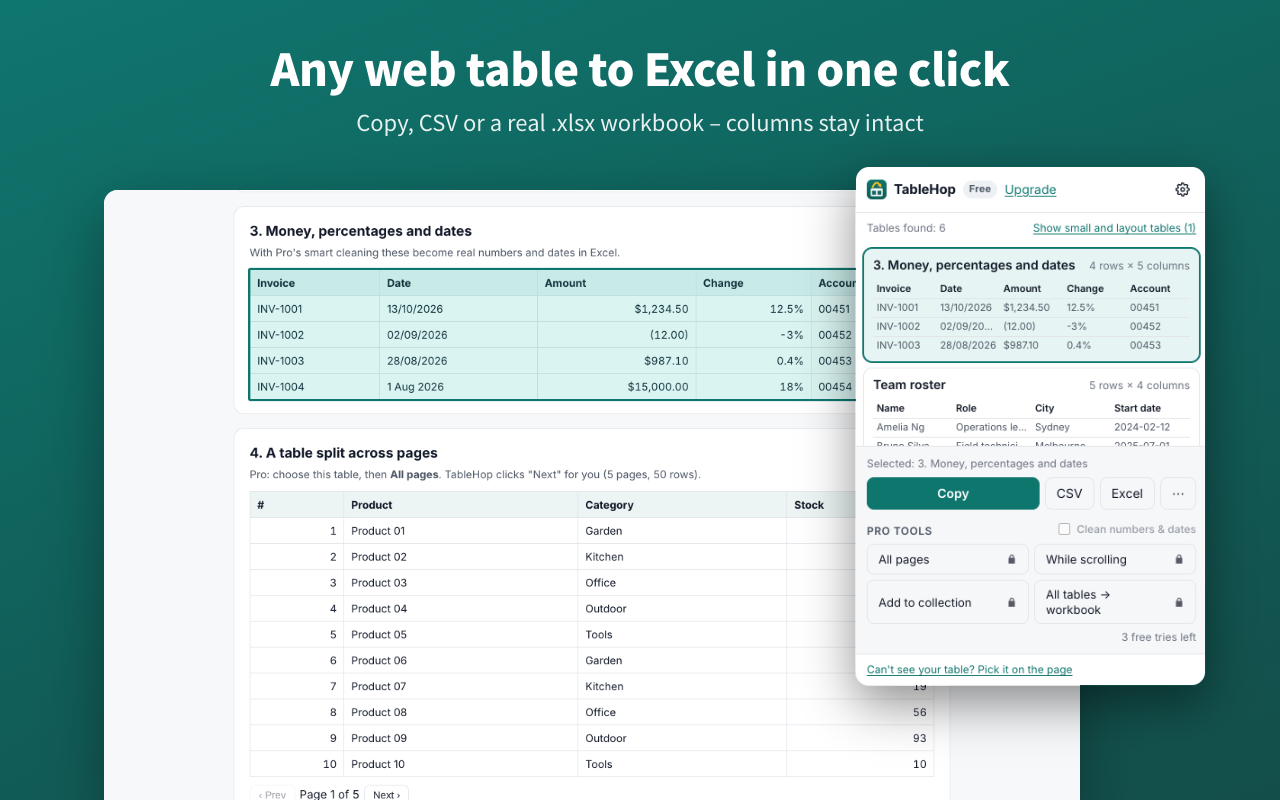
Click “Can't see your table? Pick it on the page”, point at one row or card and click. Use the ↑ and ↓ keys to grow or shrink the area.
Excel opens my CSV in a single column.
In some regions Excel expects semicolons. Open TableHop's settings and set the CSV separator to semicolon – or just use the Excel button.
How do I use Pro on another computer?
Click “Restore purchase” in TableHop's settings or upgrade screen and enter the email you paid with. You'll get a login link.
Can I get a refund?
All sales are final, so please use your 3 free Pro tries on your own tables first. This doesn't affect your rights under consumer law – if Pro doesn't work as described, email us. Yearly plans can be cancelled any time and won't renew. Full details: Plans, cancelling & refunds.
Is it allowed to export data from any website?
TableHop is for data you can already see. Some websites' terms limit how their data may be reused – please respect them.
More help · Practice page
 TableHop